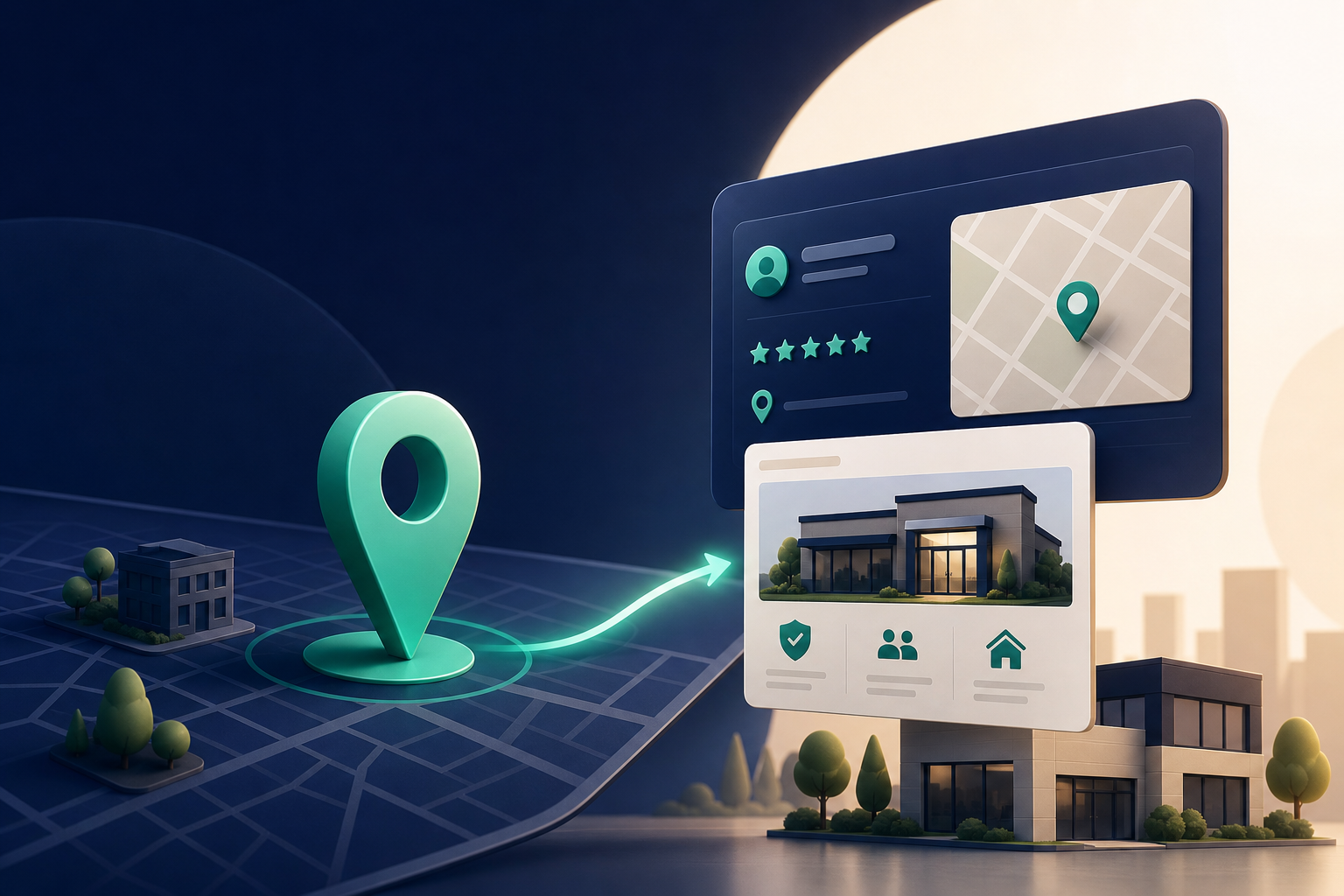
Short answer: link the page that best matches the exact business shown on the profile and the main action you want a local searcher to take. For most insurance agencies, that is a strong location page for the office represented by the profile. If you only have one office and your homepage clearly shows the agency name, address, phone number, main coverages, and service area, the homepage can work. But if your homepage is broad or generic, a location page usually does a better job matching local intent.
That advice lines up with Google’s guidance to keep Business Profile information accurate and complete, and to choose categories and business details that reflect the real business. Google also says local results are shaped by relevance, distance, and prominence, so the linked page should make it obvious what the agency offers and where it is located (Google Business Profile guidelines, Tips to improve your local ranking on Google).
Answer block: the best page to link
If your agency has one local office, link to:
- a location landing page for that office, or
- the homepage only if it already acts like a strong local landing page.
If your agency has multiple offices, link each profile to the page for the specific office represented by that profile. Do not point every profile to the same generic homepage. Google asks businesses to represent themselves accurately and says there should only be one profile per business location (Google Business Profile guidelines).
Why the location page usually wins
An insurance agency Google Business Profile is not just about branding. It is a local decision point. People search when they want a quick answer to things like:
- “home insurance near me”
- “auto insurance quote”
- “best agency for renters insurance”
- “Medicare supplement agent in town”
A location page helps because it can combine three things searchers want right away:
- proof you are local
- proof you offer the coverage they need
- a clear next step for a quote or call
That matters for insurance agencies because the customer often has an urgent question, a renewal issue, or a missed call from your office. They are not usually looking for a long brand story first. They want to confirm they are in the right place and then contact you.
Google’s own local-ranking guidance emphasizes that complete, accurate business information helps customers understand what you do and where you are, and that complete profiles are more likely to appear in local results (Tips to improve your local ranking on Google).
The decision rule: match the page to the profile
Use this simple rule:
- One office, one profile, clear homepage: link the homepage.
- One office, homepage is broad or generic: link the office location page.
- Multiple offices: link each profile to its matching office page.
- Specialized office: link to the page that reflects the main line of business for that office.
For example, an independent insurance agency with a main office in Charlotte that sells auto, home, and renters insurance should not link the profile to a generic corporate page with no local details. Instead, link to a Charlotte office page that includes the address, service area, phone number, and those core coverages.
If the office mainly serves business clients, a commercial insurance location page can be a better match than a general agency homepage. If the profile is for a Medicare-focused office, the landing page should reflect that focus rather than sending people to an unrelated personal-lines page.
What the linked page should include for an insurance agency
A good GBP landing page should answer the questions a local insurance shopper has in seconds. At minimum, it should include:
- the agency name exactly as used on the profile
- the office address or clear service area
- a local phone number
- office hours
- the main insurance products offered
- service-area or nearby city mentions only if they reflect the real business
- review snippets or testimonials where appropriate
- a clear quote or contact call to action
Google says businesses should make sure their address and service area are accurate and precise, choose the fewest categories that describe the core business, and keep content consistent with how the business is represented in the real world (Google Business Profile guidelines, Manage your business category).
For insurance agencies, that means the page should feel like the online version of the office someone just found on Maps. If someone clicks from your Business Profile and lands on a page that does not show the office they expected, they may leave and call another agency.
Best page types by insurance agency setup
Single-location independent agency
If you have one office, the best page is usually a location page that functions as the homepage or a homepage with strong local signals.
That page should say things like:
- “Insurance Agency in [City]”
- “Serving drivers, homeowners, renters, and small businesses in [area]”
- “Call our [City] office”
This works well because the page can satisfy both local intent and product intent without sending visitors deeper into the site.
Multi-location agency
If you have several offices, each profile should link to its own office page. That page should be specific to the represented location and not a duplicate with only the city name changed.
Avoid doorway-style page swapping where every page repeats the same content and only swaps city names. Google’s guidance is to represent the business accurately and use only the categories and information that truly describe it (Google Business Profile guidelines). A useful office page is location-specific because it helps the customer, not because it exists to game search results.
Specialized office or team
Some agencies have a location that mainly handles a specific type of coverage. In that case, the best landing page is the one that matches what that office actually does.
Examples:
- a personal lines office: link to a page focused on auto, home, and renters insurance
- a commercial lines office: link to a page focused on business insurance, general liability, and workers’ comp
- a senior-focused office: link to a Medicare or retirement-related page only if that is truly the office’s real service focus
This helps local relevance because the searcher can confirm the office fits their need before making contact.
What to avoid when choosing the page
Do not link your Google Business Profile to a page just because it is popular or broad. For insurance agencies, the wrong page often creates a mismatch between search intent and the next click.
Avoid these common mistakes:
- linking every office to the same homepage
- linking to a city page that does not represent a real office
- linking to a quote form with little or no business information
- linking to a blog post instead of a service or location page
- using a page that hides the phone number or address below the fold
- creating duplicate pages for nearby cities without distinct offices
Google says local results depend on relevance, distance, and prominence, and profile accuracy matters (Tips to improve your local ranking on Google). A thin or misleading landing page works against that goal.
How to make the landing page stronger without overdoing it
A strong insurance-agency landing page should be useful, not stuffed.
Good additions include:
- a short list of the coverages you write most often
- a few plain-English explanations of what each coverage is for
- nearby service areas only when they reflect real work you do
- customer reviews or review excerpts
- carrier logos only if you are authorized to display them
- FAQs like “What documents do I need for an auto insurance quote?”
Google’s helpful-content guidance encourages content made for people first, not pages created mainly to rank in search. In other words, the page should answer real questions and help the visitor complete a task (Creating helpful, reliable, people-first content).
That matters for insurance because many visitors are not experts. They may be comparing deductibles, trying to understand bundle options, or deciding whether to call now or later. The page should reduce confusion.
How Aaptly helps
Aaptly helps insurance agencies turn the right Google Business Profile landing page into a stronger local lead source.
Use Aaptly to:
- review whether your profile points to the best page for local intent
- check whether your location page matches the profile’s business name, address, category, and service area
- spot gaps that could hurt trust, like missing hours, weak coverage detail, or unclear calls to action
- keep the page aligned with your Google Business Profile updates and related local SEO work
If you want a structured review of the profile and the linked page together, start with a Google Business Profile Audit. If you are improving the rest of the profile around the landing page, our Google Business Profile Optimization Checklist can help you work through the essentials. You can also pair the landing page with better posting habits using Google Business Profile Posts, and keep your core categories aligned with Google Business Profile Categories.
Quick checklist before you change the link
Before you update the website URL in your profile, check these items:
- Does the page match the exact office in the profile?
- Does it clearly show the agency name and local contact info?
- Does it mention the main coverage types people search for?
- Is it easy to call from a phone?
- Does it look like a real local office page, not a generic marketing page?
- Would a customer feel confident they reached the right agency?
If the answer to any of those is no, build or improve the location page first.
FAQ
Is the homepage always the best page to link?
No. The homepage is only the best choice if it already functions like a strong local landing page for the office represented by the profile. If it is too broad or generic, a location page is usually better.
Should I use a page with a quote form as the GBP link?
Only if the page still includes clear local business information. A form-only page can be too thin for a local profile because it may not help the searcher confirm they found the right office.
What if my agency serves multiple towns but has one office?
Link the page for the real office and describe the actual service area on that page. Do not create separate city pages unless they represent real, distinct locations.
Can I link to a product page like auto insurance?
Yes, if that page is the best match for the profile’s main intent and still shows the local office information. For example, a specialty auto agency may reasonably link to an auto-focused local landing page.